
The app
Final OBD, screen by screen
We’ve rebuilt the whole app for version 8. It reads faster, explains things more clearly and has new screens for what’s going on inside the engine. These are the real screens, with a Škoda Karoq plugged in.
- An OBD adapter and your mobileAndroid or iPhone, with any of the usual Bluetooth or Wi-Fi adapters.
- Every control unitEngine, gearbox, brakes, airbag, climate, body and whatever else your car has.
- Explained in plain wordsEvery fault and every reading comes with what it means, in six languages.
- Free or ProFree covers the engine, as the standard allows. Pro, a one-off payment, covers everything.
The menu
Everything’s one tap away
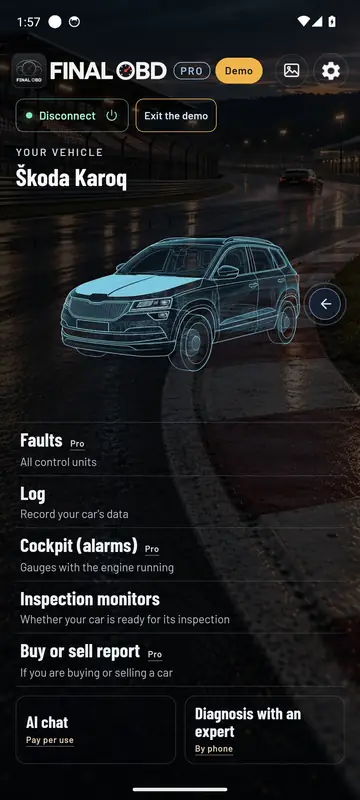
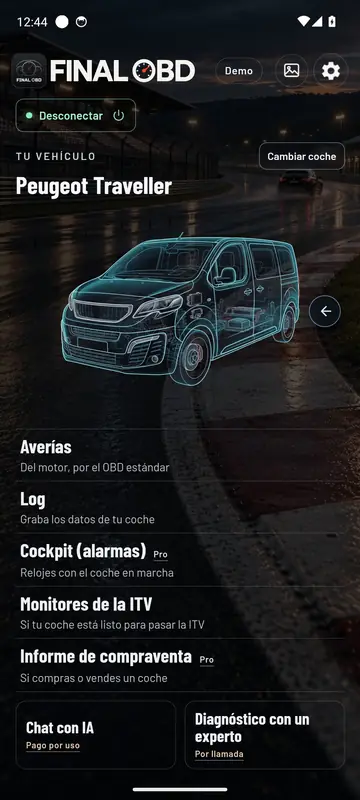
At the top, the connected car and its picture. Below it, what you can do with it. The arrow button takes you to its data.
- Your car’s data: everything it gives you, sorted by topic.
- Faults: from every control unit, and you can clear them.
- Data log: records the readings you pick.
- Cockpit: gauges with the mobile on its side, plus alarms.
- Inspection monitors: whether you’d pass the ITV, the Spanish MOT.
- Buy or sell report: the stamped PDF.
- AI chat and Diagnosis with an expert, for when you need a hand.
With the mobile upright
The screens you’ll use every day
Your car, faults, ITV, data log and settings. This is how they look with the car connected.
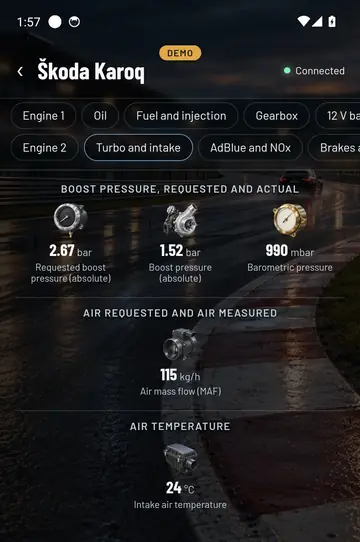
Turbo and intake: what the control unit asks for and what the turbo delivers. 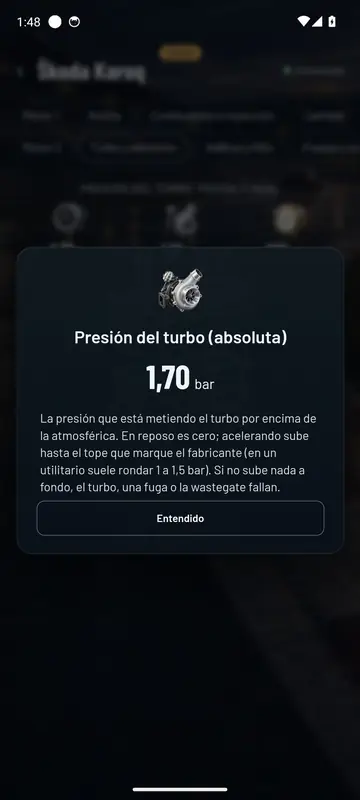
Tap any reading and it tells you what it is and what values are normal. 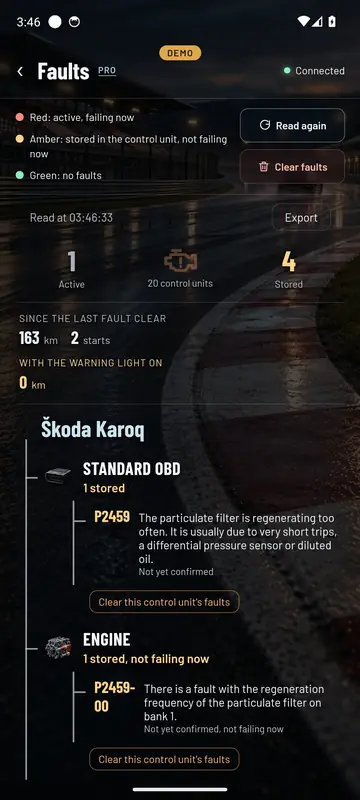
Faults from a real Karoq: 20 control units read, one active and four stored. 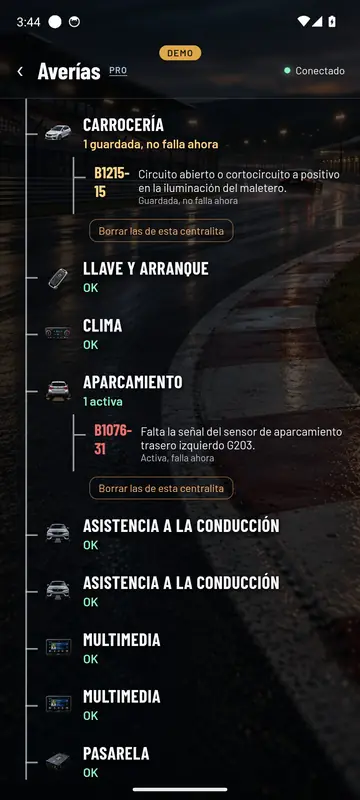
Red, failing now. Amber, stored. Green, no faults. 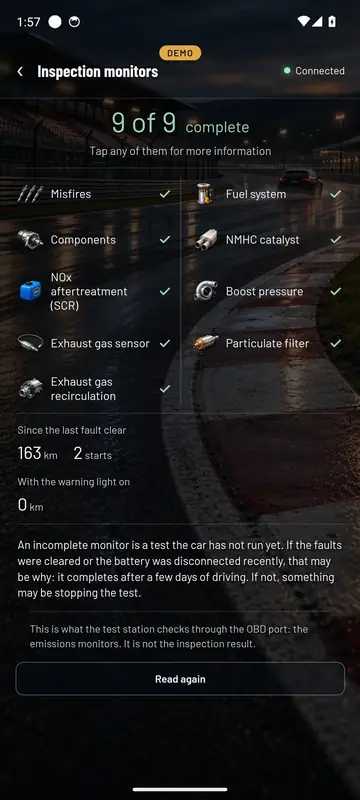
9 of 9 monitors complete and the distance driven since the last clear. 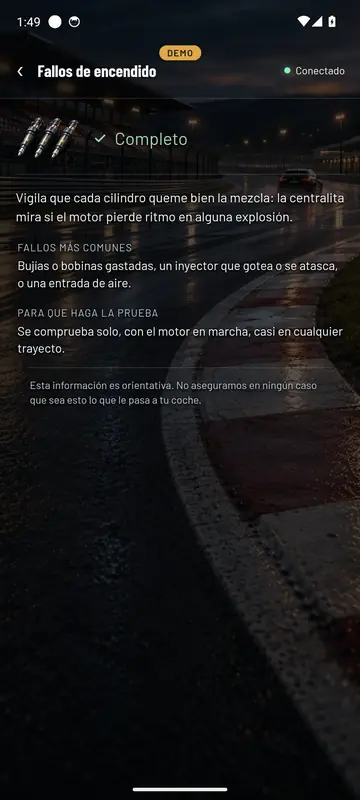
Every monitor explained: what it watches and why it might not complete. 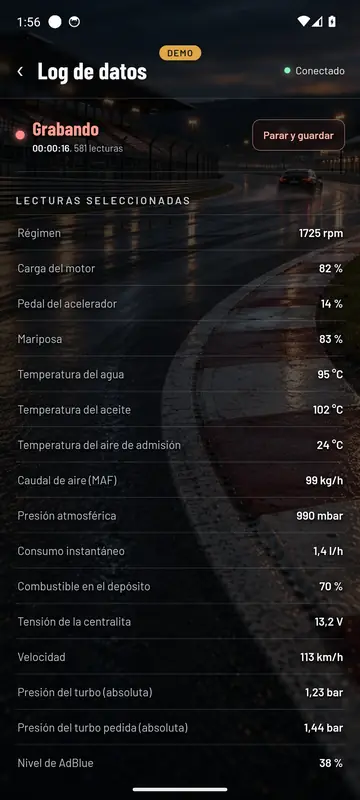
Recording: every reading with its time stamp, one by one. 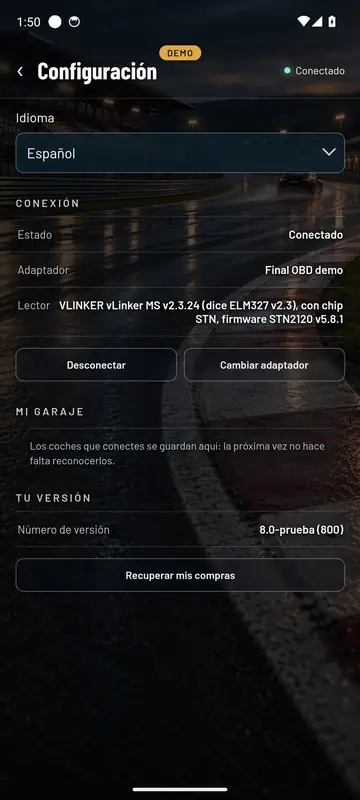
Settings: language, adapter and your version.
With the mobile on its side
The Cockpit
Turn your mobile sideways and you’re into full-screen gauges. There’s one for each job.
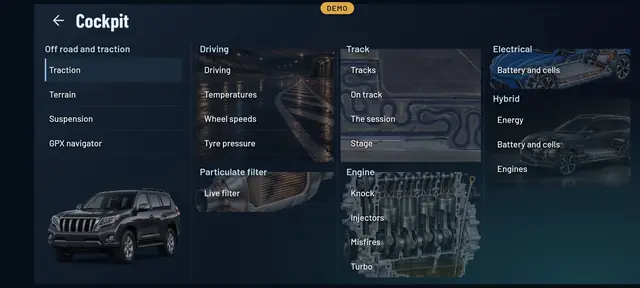
Every Cockpit screen, all in one place. 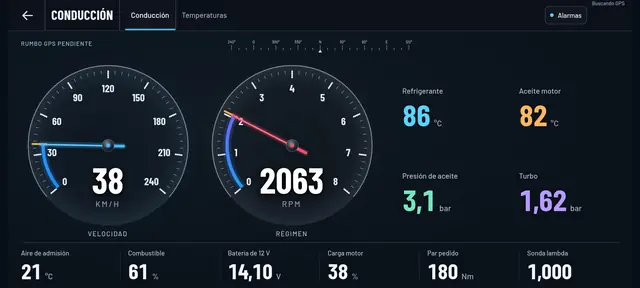
Driving: needle gauges and the engine readings that matter. 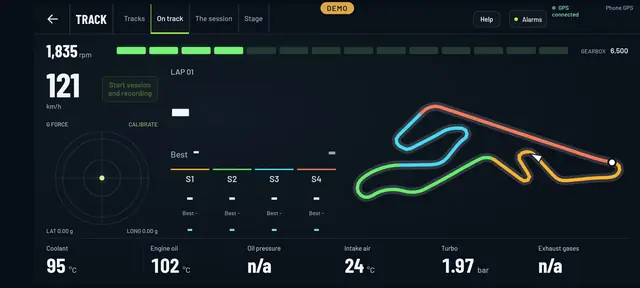
On track: shift lights, sectors and the layout with your position. 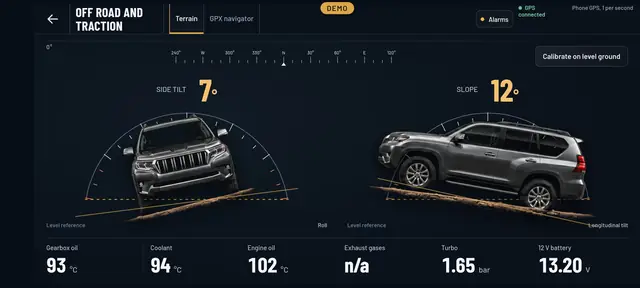
Off-road: side tilt and gradient, with the car drawn on screen. 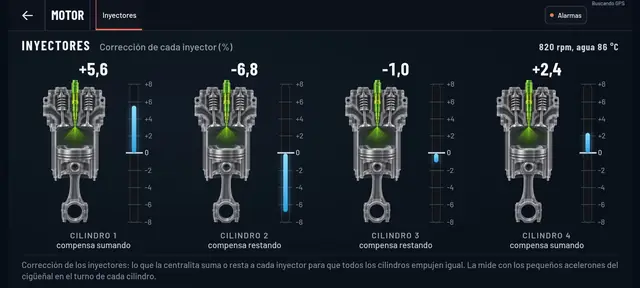
Injectors: how much the control unit corrects each cylinder. 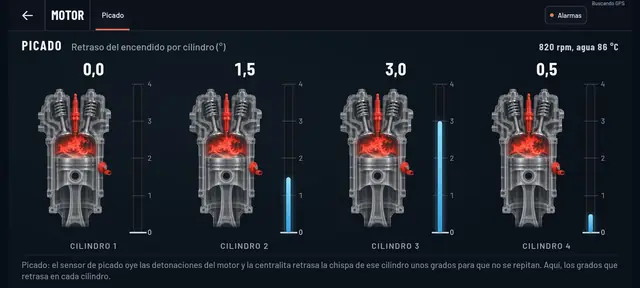
Knock: how many degrees the spark is retarded on each cylinder. 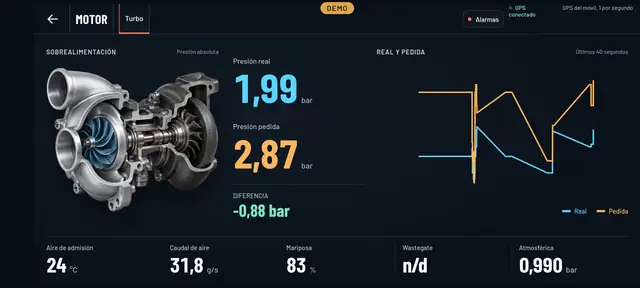
Turbo: actual and requested pressure, with its graph.
Getting started
Four steps and you’re inside your car
- 1
Plug in the adapter
It goes in the OBD socket, nearly always under the steering wheel. It doesn’t matter whether the engine’s running or just the ignition’s on.
- 2
Open the app and connect
Final OBD finds the adapter, pairs with it and recognises your car on its own. Next time it already remembers it.
- 3
Look at whatever you like
Data, faults, ITV or the Cockpit. Each screen only asks the car for what you’re looking at, so it stays quick.
- 4
Works without internet too
Standard OBD is read right there on your mobile. With internet, it also recognises every control unit for your make.
See inside your car this very afternoon
A cheap OBD adapter, the app on your mobile and five minutes. And if you don’t have an adapter yet, the app comes with a demo of a real car so you can see it all first.
Out now in the stores