

Data logFree and Pro
Record what your car does and look at it later
A hesitation at 2,000 rpm, a temperature that climbs on hills, a turbo that never quite gets there. Some things you only see if you record them. With the Log you pick the data, you drive, and you take it all away in a file.
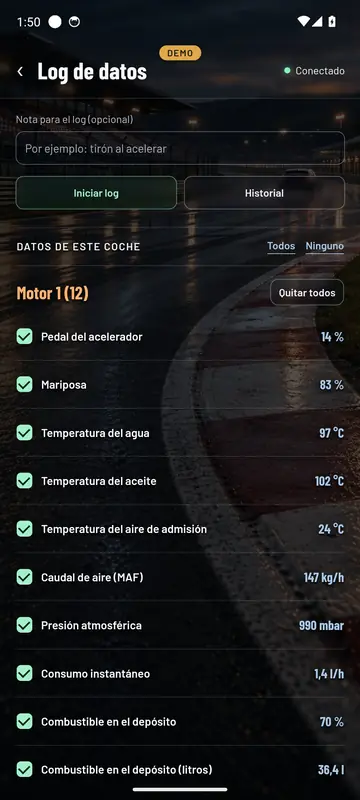
- Pick what to recordTick the data you want, or everything on a tab.
- With its timeEvery reading with the exact moment it came in.
- A noteWrite down what you were doing, like a hesitation when you put your foot down.
- Share itYour History of recordings, ready to send.
How to use it
Tick, record and stop
Before you start you can see the value of each item, so you know it’s coming through. Tap Start log, do your drive and tap Stop and save.
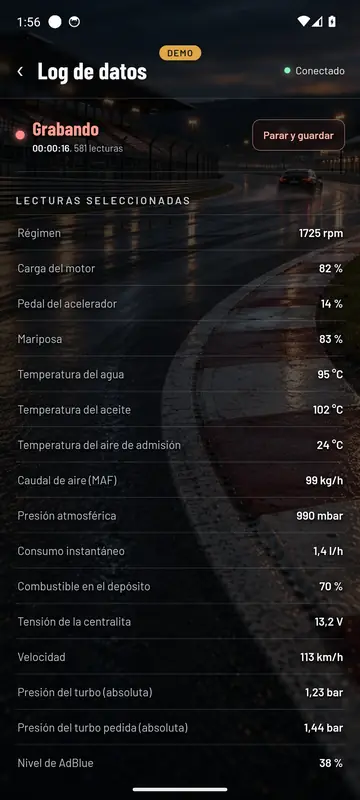
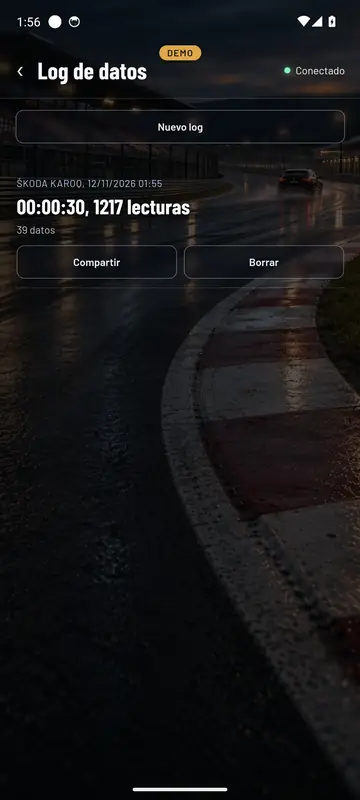
While it records you can see how long it’s been going and how many readings it has. Everything goes into History with the car, the date, how long it lasted and the data recorded, so you can share it or delete it.
For track days and rally stages, the Cockpit also records the GPS for every lap.
See inside your car this very afternoon
A cheap OBD adapter, the app on your mobile and five minutes. And if you don’t have an adapter yet, the app comes with a demo of a real car so you can see it all first.
Out now in the stores