

Your carFree and Pro
Everything your car gives you, where it belongs
Your car sorts its data by topic, the way a mechanic would look at it: engine, oil, fuel, turbo, AdBlue, gearbox, brakes, battery, climate, servicing and traction. If your car doesn’t give it, it doesn’t show up.
- By topicEach tab has its own stuff, no endless lists.
- In real timeEvery reading updates as it comes in from the car.
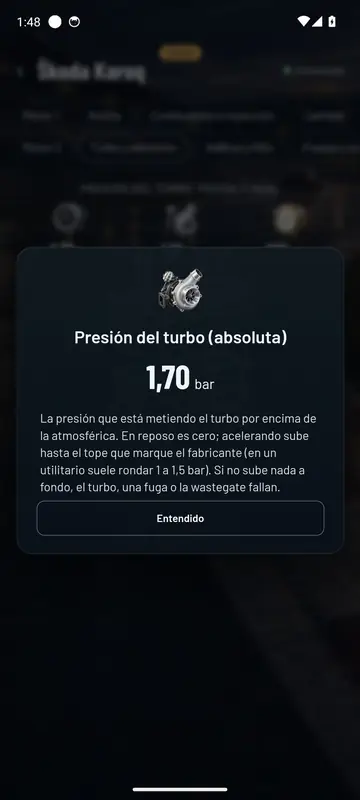
- ExplainedTap a reading and it tells you what it is and which values are normal.
- From every control unitIn Pro, your make’s own data. In Free, standard OBD.
The tabs
A look at each topic
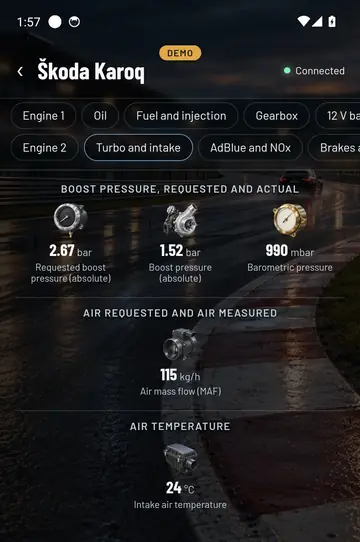
Screenshots from a Škoda Karoq 2.0 TDI on the move. Each car shows the tabs it actually has: an electric car won’t have AdBlue, and a petrol car won’t have a particulate filter.
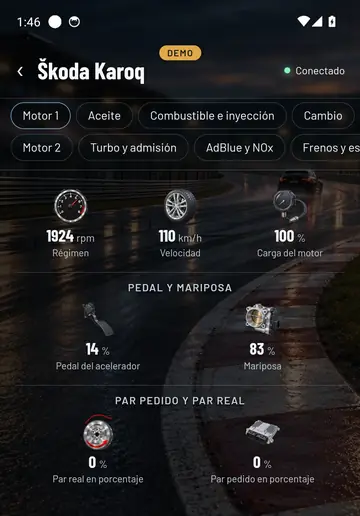
Engine: revs, speed, load, pedal and throttle. Turbo and intake: what the control unit asks for and what the turbo delivers. 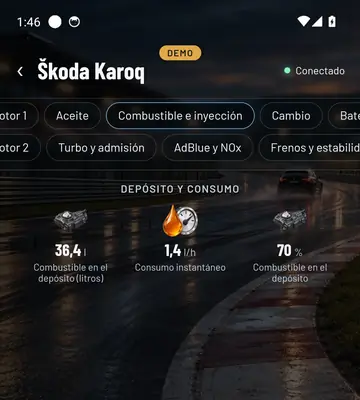
Fuel: litres in the tank and consumption right now. 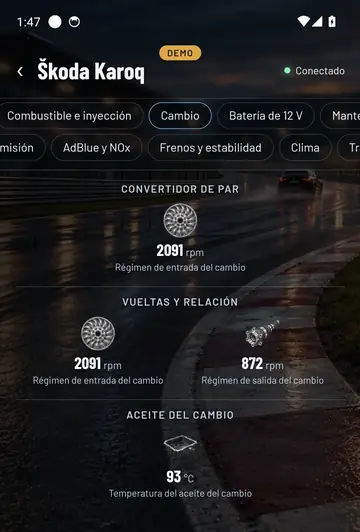
The automatic gearbox: input and output revs and its oil temperature. 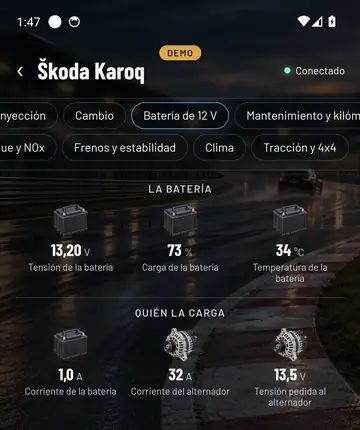
12 V battery: voltage, charge and what the alternator is putting out. 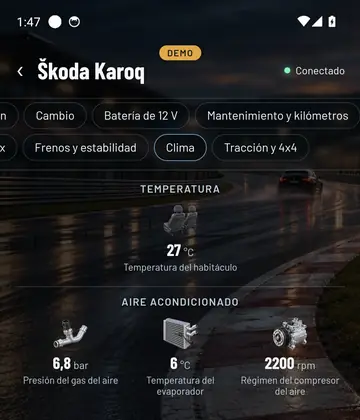
The air con from the inside: gas pressure and compressor. 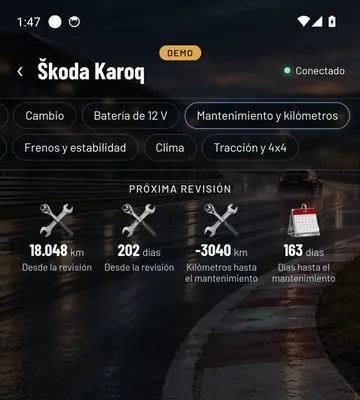
Maintenance: how far it’s gone since the last service and how long until the next. 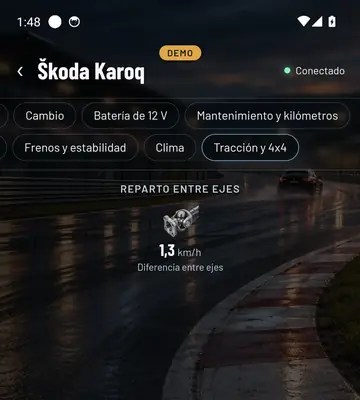
Traction: the difference between the axles in the 4x4 system. 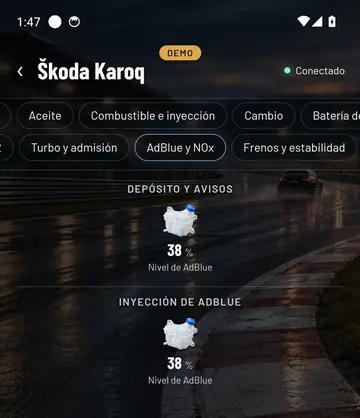
AdBlue: how much is left in the tank.
What each number means
Tap a reading and it explains it
Boost pressure, lambda sensor, injector correction, engine hours and the rest. Every reading has its own card with what it measures, in which units and what’s normal on a healthy car.
That way you don’t need to know mechanics to understand your car. And if you want to know more, the mechanics guide explains each system with drawings.
Free and Pro
What you see in each version
In Free, Your car shows what any car gives over standard OBD: revs, speed, temperatures, turbo, air-fuel mixture, lambda sensors, battery and a few more.
In Pro you also get the data from every control unit of your make: gearbox temperature and revs, the 12 V battery with its alternator, the air conditioning, how much is left until the next service, the 4x4 traction, the cylinders and, on hybrids and electric cars, the high-voltage battery cell by cell.
Questions about Your car
Why doesn’t my car show all the tabs?
Because every car gives what it gives. Final OBD only shows what your car actually answers, with no empty gaps and no made-up numbers.
Does it slow down if I look at lots of data?
Each screen only asks the car for what you’re looking at. That way whatever’s in front of you refreshes as fast as the car allows.
Can I record this data?
Yes, with Data log you choose which data to record and take it away in a file.
See inside your car this very afternoon
A cheap OBD adapter, the app on your mobile and five minutes. And if you don’t have an adapter yet, the app comes with a demo of a real car so you can see it all first.
Out now in the stores